Organizations
Organizations are the top-level workspaces in hidettp. Every resource you create — bots, executions, settings, API keys — belongs to an organization. Organizations provide complete data isolation, so work in one organization never affects another.
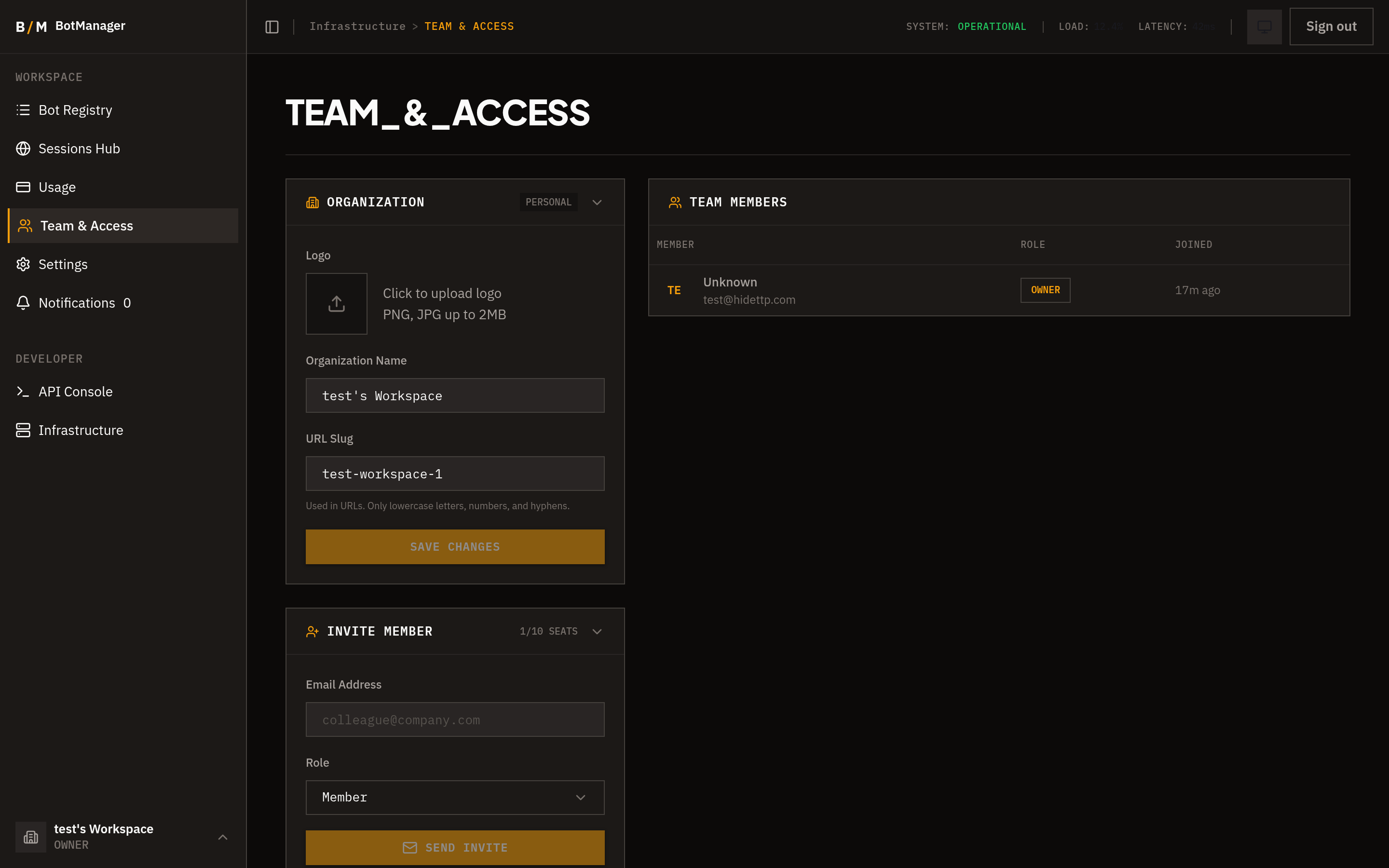
Personal Workspace
When you sign in to hidettp for the first time, a personal workspace is automatically created for you. This is your default organization, and you can start creating bots immediately without any additional setup.
Creating an Organization
To create a new organization:
- Open the org switcher in the sidebar footer.
- Select Create Organization.
- Enter a name for your organization.
- Confirm to create it.
You will be assigned the Owner role in any organization you create.
Switching Organizations
Click the org switcher in the sidebar footer to see a list of all organizations you belong to. Select any organization to switch to it. The sidebar, dashboard, and all pages update to reflect the selected organization's data.
Organization Settings
Owners and Admins can manage organization settings from the Settings page:
- Name — Update the display name of the organization.
Only users with the Owner or Admin role can access and modify organization settings.
Inviting Members
Owners and Admins can invite new members to an organization:
- Navigate to the Team page from the sidebar.
- Click Invite Member.
- Enter the person's email address.
- Select a role to assign (Admin, Member, or Viewer).
- Click Send Invitation.
The invitee receives an email with a link to join. Invitations expire after 7 days. If an invitation expires, you can send a new one.
Accepting Invitations
When you receive an invitation email:
- Click the invitation link in the email.
- You will be taken to the invitation confirmation page.
- Confirm to join the organization.
Once accepted, the organization appears in your org switcher and you can access it immediately with the role you were assigned.
Data Isolation
Each organization is a fully isolated workspace:
- Bots created in one organization are not visible in another.
- Executions and their results, logs, and extracted data are scoped to the organization.
- API keys are organization-specific and only grant access to that organization's resources.
- Settings, including integrations, proxies, and notification preferences, are independent per organization.
There is no way to share or move resources between organizations.